Write your novel. Own your data.
A local-first novel writing app built for authors who want a full manuscript toolkit without the subscription or the cloud lock-in. Everything lives on your own device by default — your manuscript is yours, in open formats, forever.
Windows & Android · v1.4.1 · source available on GitHub, all rights reserved
Three things you won't find bundled together anywhere else.
Every save is cryptographically signed, not just snapshotted. Restore an earlier draft with confidence, or prove nothing was altered outside the app — useful if you ever need to show a manuscript's genuine writing history.
Most writing apps only give you plain undo or unsigned backups.
Paperback and hardcover export use Amazon's own published formatting rules — trim size, bleed, page-count-scaled margins, correctly-suppressed running headers, an auto-generated copyright page. A background watcher checks KDP's docs monthly and flags this app if anything changes.
Most apps give you a generic PDF and leave KDP compliance to you.
Your manuscript is plain files on your own device from day one. Sync is optional and goes to your own Google Drive — there's no Narraity server for your writing to live on, and no monthly fee to keep reading it.
Unlike Dabble's cloud-only, subscription model.
Built as an alternative to subscription writing tools — same workflow, none of the lock-in.
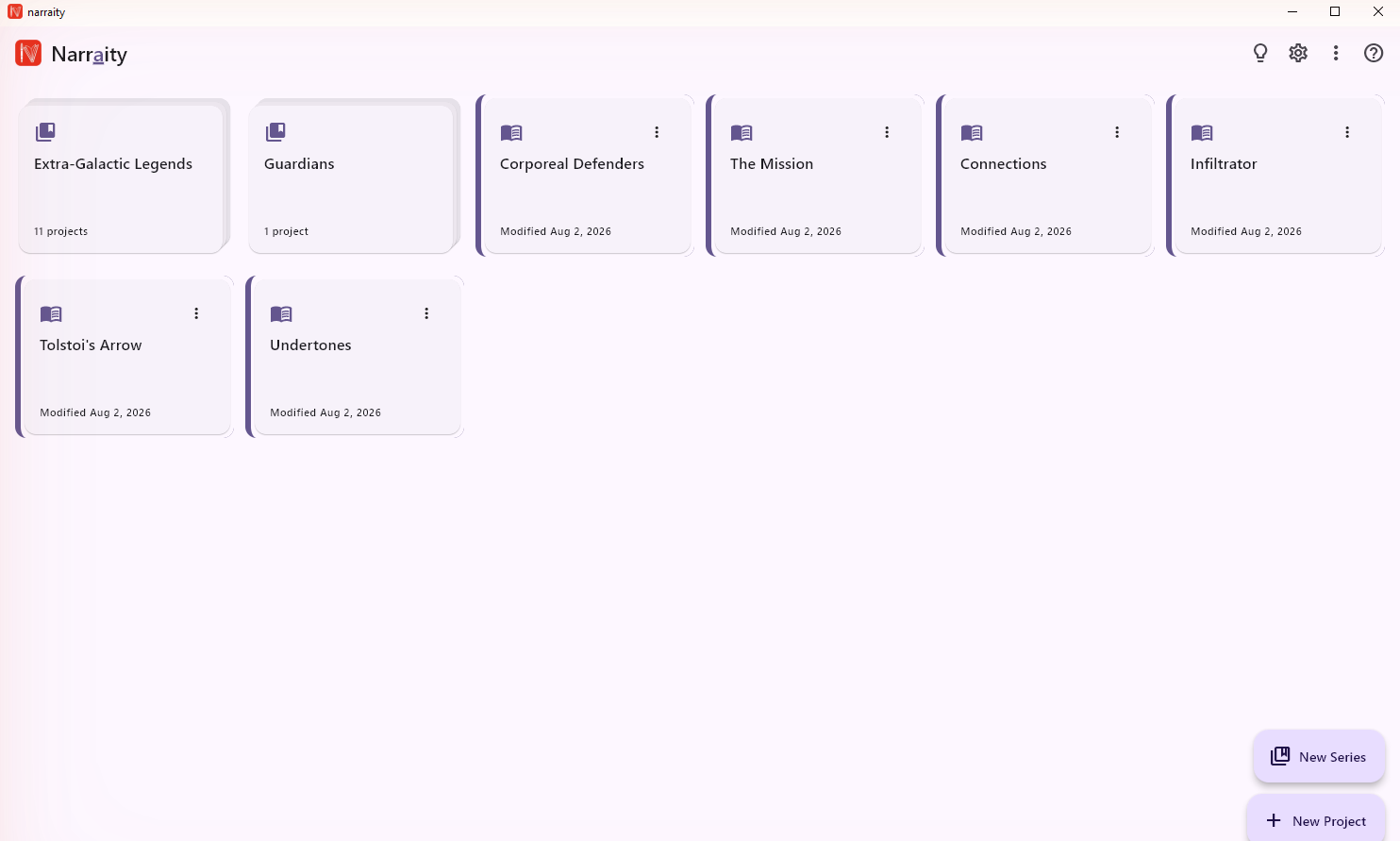
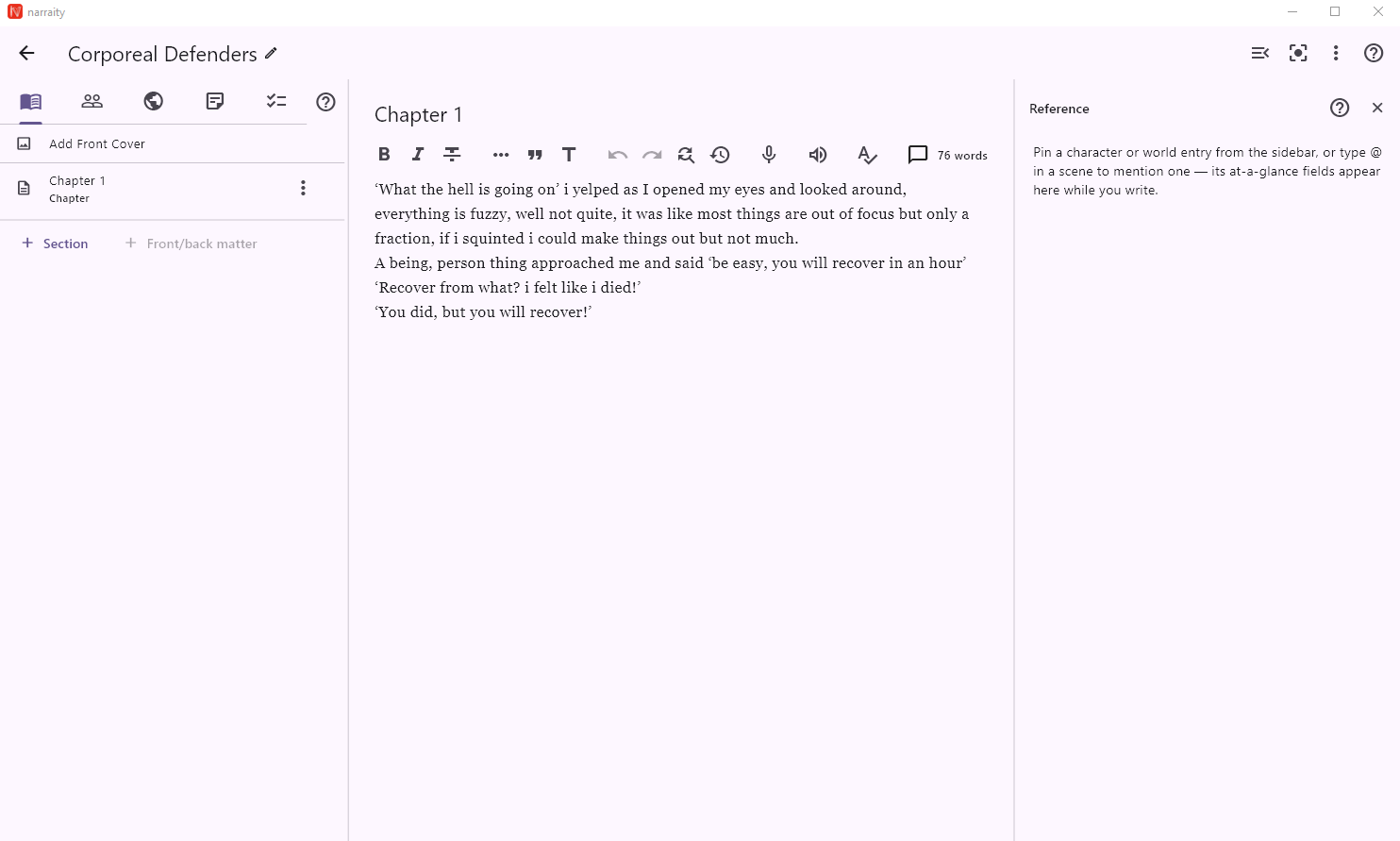
Book/Chapter/Scene editor with markdown-style formatting, Characters, Worldbuilding, a visual Relationship Diagram, Plot Grid, and Timeline.
Built in, offline, no internet required — plus voice dictation and Read Aloud.
Every save is kept as a signed, tamper-evident entry — restore an earlier version any time.
PDF, EPUB, DOCX, and plain text — plus KDP-ready export for paperback, hardcover, and eBook, built directly from Amazon's own formatting rules.
Group multiple books into a Series with shared characters, world notes, and to-dos across the whole series.
Projects are stored as plain files on your device. Optional sync to your own Google Drive — never ours.
[[Name]] while writing and their card appears automatically, no need to go looking for it.
Narraity has no backend of its own — the only data that ever leaves your device is what you explicitly choose to sync to your own Google Drive, or what you type into a Feedback post under your own GitHub account. Read the full privacy policy.